


CASE STUDY
BRIEF
THE
The mission was to create an animated 10-15 second teaser of a TEDx talk that would engage and entice viewers to go watch the full talk.
The animation must be dynamic, sophisticated, and engaging for social media. This was a 3 week deadline.
FINAL DELIVERABLE ->


RESEARCH
IDEATION AND
WEEK 1
Tedx is known for including many design and animation styles in their brand. I wanted to push the boundaries of their traditional 2d animation style with a fresh 2.5D approach utilizing a HUD display render style.

The talk I chose for this project is War, AI, and the New Global Arms Race by Alexander Wang. I found the topic exiting and open for many opportunities for dynamic animation.


One of my favorite Motion Designers is Toros Kose, who specializes in HUD Displays. I took inspiration from his work to create my HUD and UI Assets.
With a 3 week deadline I had to limit how involved my graphics were and keep them relatively simple. Adding depth of field however like seen here can add richness to the elements that could otherwise be enriched by complexity.
PITCH
CONCEPT
WEEK 1
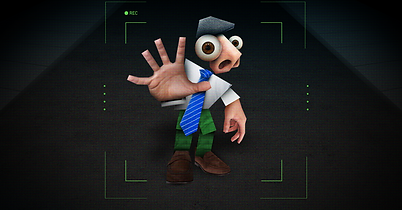

The first week was focused on developing multiple concepts to pitch to our art director. This first concept is a more literal interpretation in a 2.5d Collage format focusing on the more narrative and cinematic nature of the vocal segment.
CHOSEN CONCEPT
This concept interpreted the vocal segment in an abstract manner in the form of HUD map displays and wireframe imagery. This was chosen due to it's more serious tone and potential for more abstract themes.

PHASE
PREVIS
I love starting my preproduction phase with a large peace of paper, and a cup of coffee for warp speed ideation. Using paper I can write out and visualize all of my ideas and see how they can all connect together using a technique called mind mapping.
I also use this opportunity to draw quick storyboards or concepts inspired by references.
WEEK 1
SCENE DEVELOPMENT


when developing a design direction I find blocking out my design in my chosen software, then drawing over it in procreate allows for more effective brainstorming.
WORKFLOW
TECHNICAL
WEEK 2 -Week 3
GOAlS - Procedural, Speed, EffeciEncy
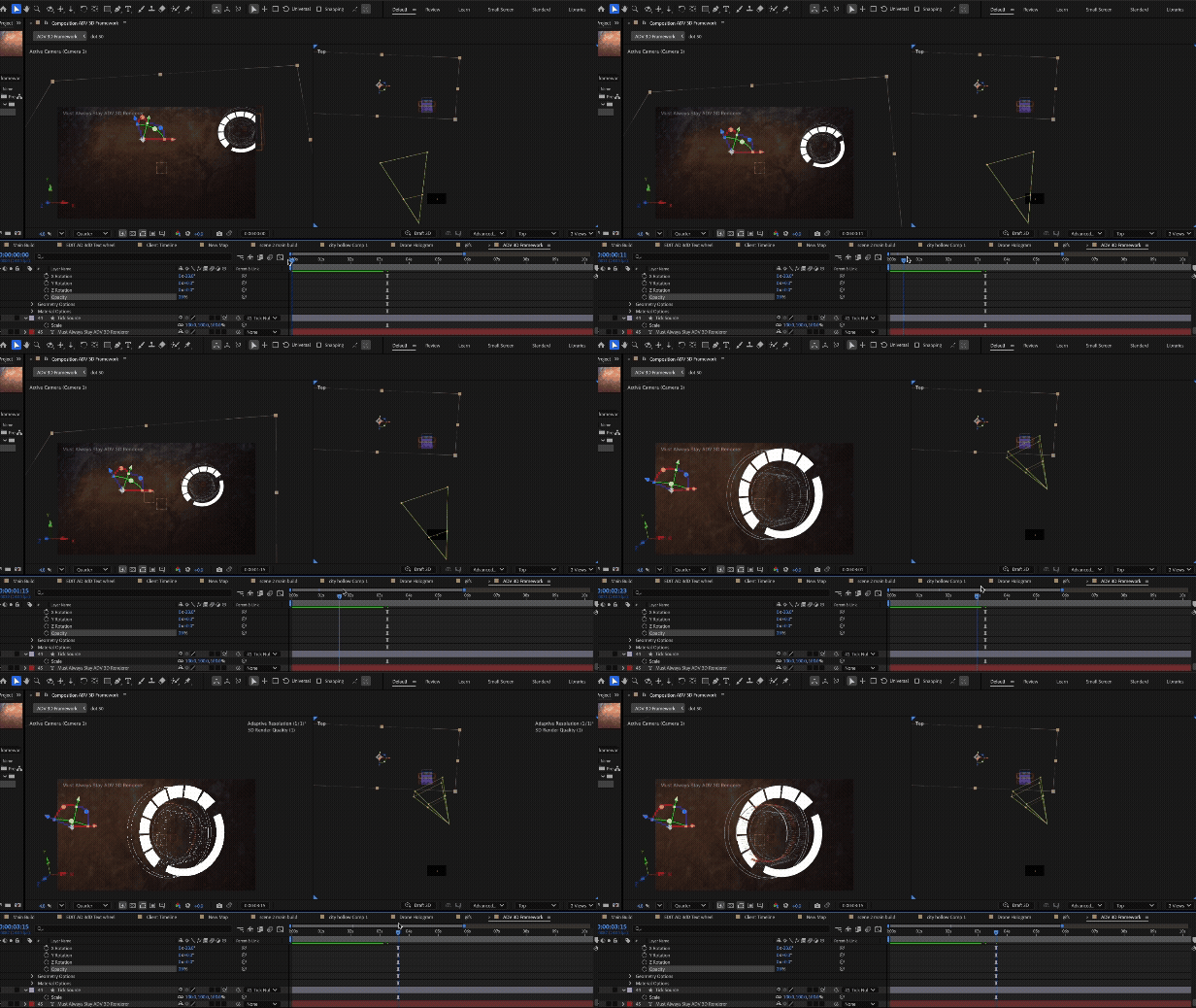
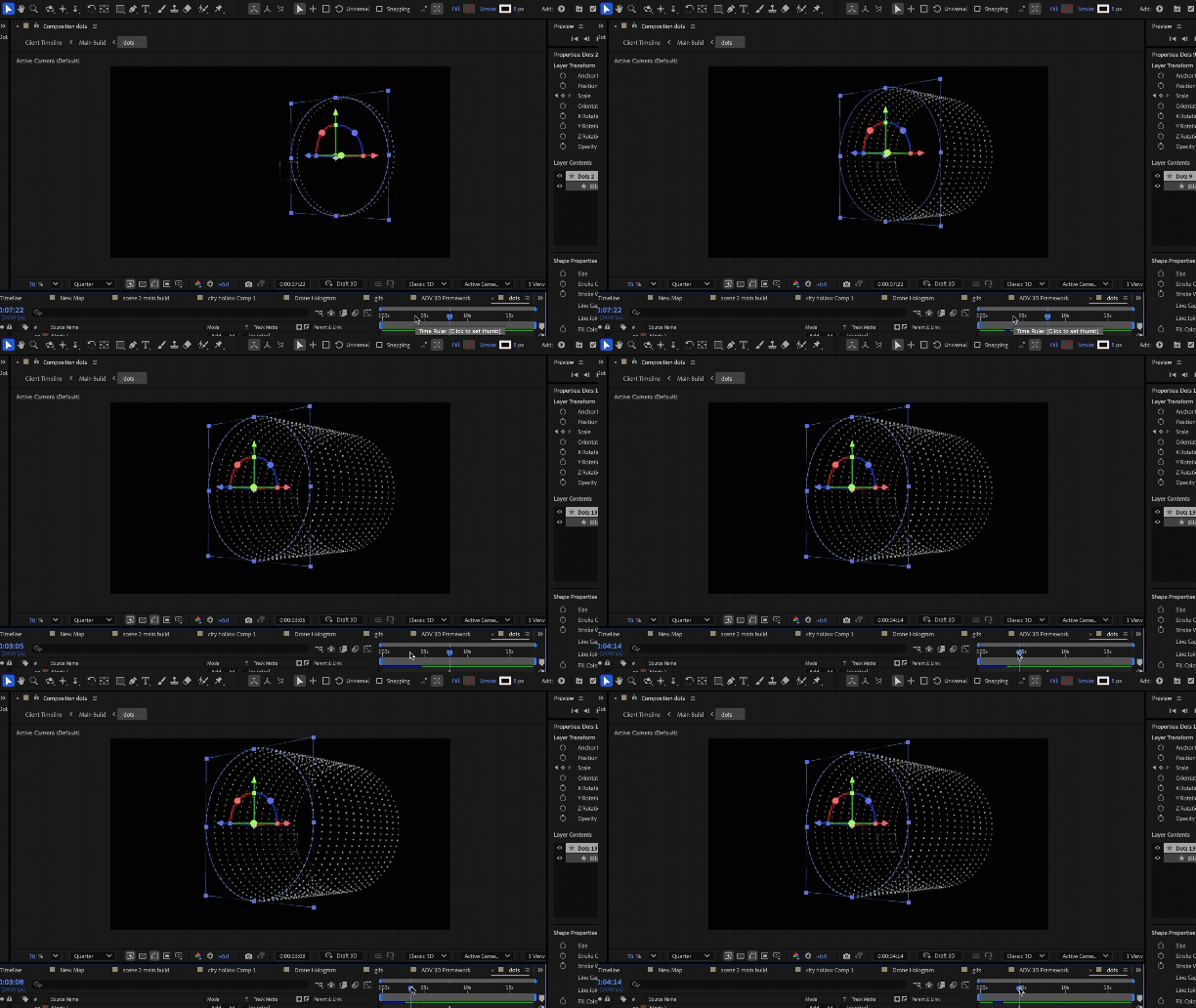
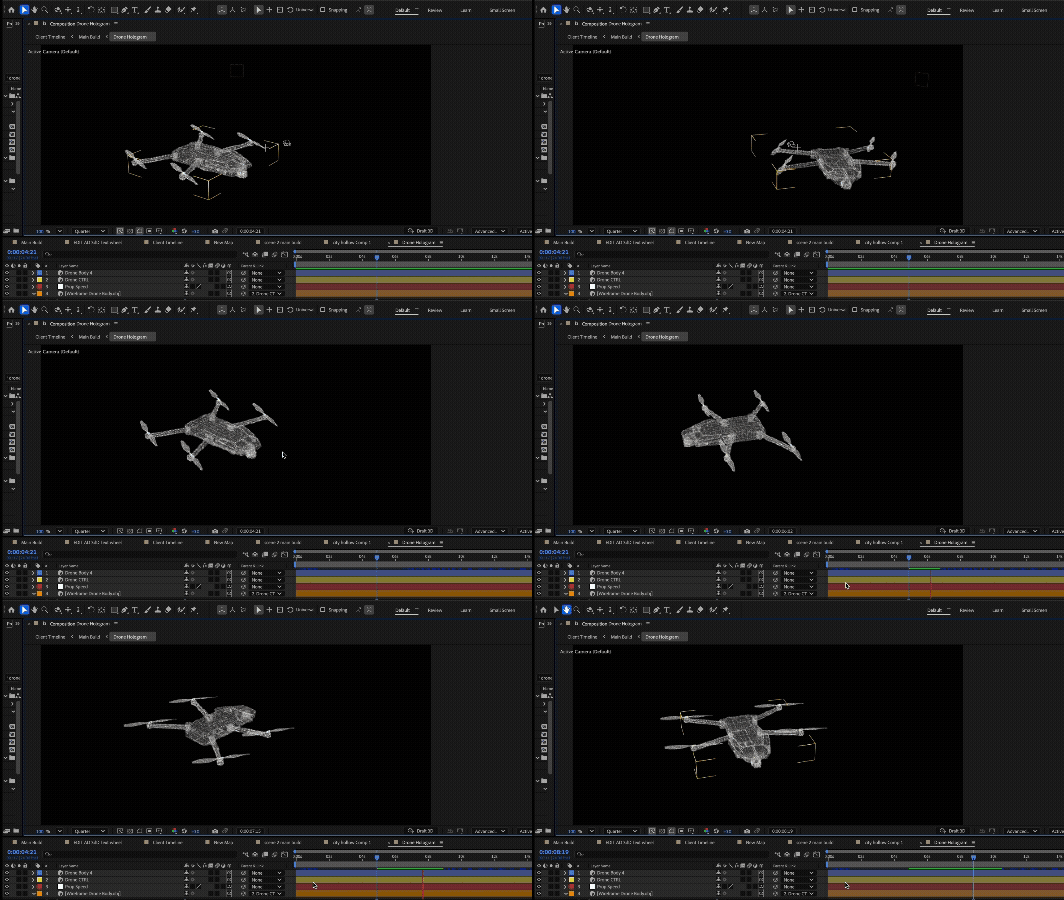
For the sake of speed, this project is animated and designed 100% in After Effects for it's advantages in keyframe expressions and the ability to use 3D geometry procedurally using the Adv. 3D renderer. The wireframe 3D models are imported after wireframe conversion in Cinema 4D.
PROCEDURAL
The Adv. 3D renderer is effective for creating extruded geometry, however it doesn't support depth of field or effects. A work around was to place my Adv 3d files into its own pre comp and place it over a classic 3D scene with the same camera data.
SPEED
I love working smarter, not harder. In the example above, expressions allow for one rings position and animation data to drive the animation for the rest of the rings.
EFFICIENCY
3D models can be imported using a .obj format. This advantage allows me to animate 3D in After effects and apply expressions to them witch Cinema 4D can't do as well.
PASSES
WEEKLY
WEEK 1 -Week 3
FiRST PASS
This pass I focused on blocking my major scenes and dialing in my final render style.
SECOND PASS
This pass was focused on adding more opportunities for dynamic animation and brighting up some scenes for mobile viewing.
FINAL PASS (4:5 FORMAT)
This pass I dialed in my final render style. My art directer suggested removing the glows to improve hierarchy and too add more dynamic animation.
OUTCOMES
LEARNING
Week 3
This project was my first time importing 3D models into After Effects while also exploring it's advanced 3d Renderer.
I learned that animating for social media requires much more engaging frames. The key is to entice the viewer and keep their attention for as long as possible.
I was informed that social media animations often are requested in a 4:5 ratio. In my last pass I had to quickly redesign some frames to be compatible in that ratio.